
Clip long videos automatically — hands free
Short.now does the clipping for you. Upload a video, podcast, webinar, or stream and the AI automatically finds the highlights, crops them to vertical, and adds captions — no timeline, no manual cuts.
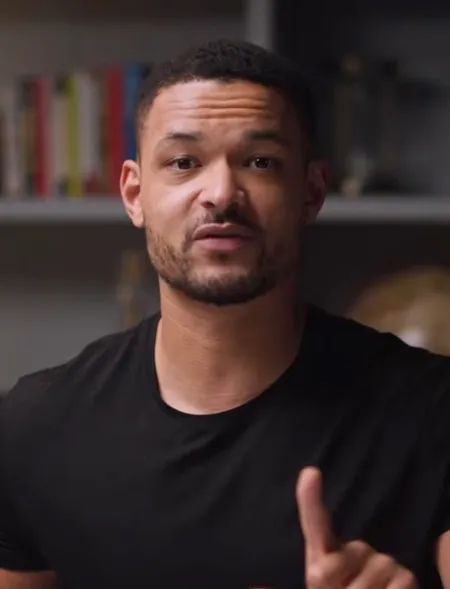
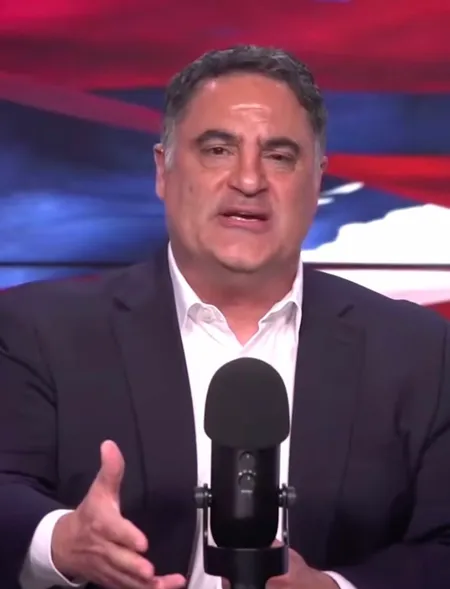
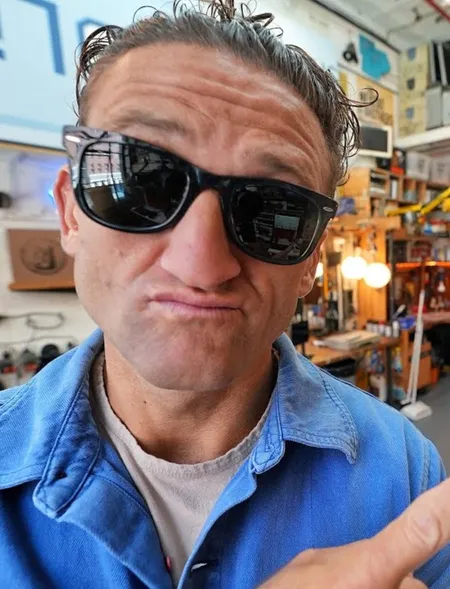






From video to published — in four steps
Add your long recording
Upload a video or paste a link to your podcast, webinar, interview, or stream VOD. No setup, no editing software.
AI auto-detects highlights
Smart moment detection scans the whole recording and automatically pulls the highlights worth posting — hands free.
Clips are generated for you
Each highlight is cut, reframed to 9:16, and captioned automatically. You just review the batch the AI produced.
Download or schedule
Export watermark-free clips or schedule them to publish — your long stream becomes a feed of shorts on autopilot.
Everything you need, nothing you don't
Smart moment detection
The AI decides what to clip for you — energy spikes, key lines, and reactions — so you never scrub a timeline again.
Hands-free batch processing
Upload once and get a full set of clips back automatically. Set it and forget it; come back to ready-to-post shorts.
Built for long streams
Designed for hours-long recordings — webinars, podcasts, and Twitch-style streams — where finding highlights by hand is painful.
Auto captions and reframe
Every auto-generated clip ships with word-by-word captions and a vertical 9:16 crop with speaker tracking — no extra steps.
Common questions about Auto Clipping
You upload a long recording and Short.now's AI does the rest: it transcribes the audio, detects the highlights automatically, and cuts each one into a captioned vertical clip — no manual scrubbing or editing on your part.
Anything long-form and spoken: podcasts, webinars, interviews, tutorials, and stream VODs. The more content there is, the more highlights the AI can pull automatically.
Upload the recording and let auto clipping run. In minutes you get a batch of ranked highlight clips, captioned and reframed — instead of spending hours hunting for moments yourself.
Yes, it's free to start — 3 videos every month, no credit card required, and no watermark on your exports.
Put your clipping on autopilot — free
No editor needed. No credit card. Three free videos every month.
Get started free