Short.now converts your long YouTube videos into TikTok-ready clips automatically. Best moments, auto-captions, 9:16 format — done in minutes.
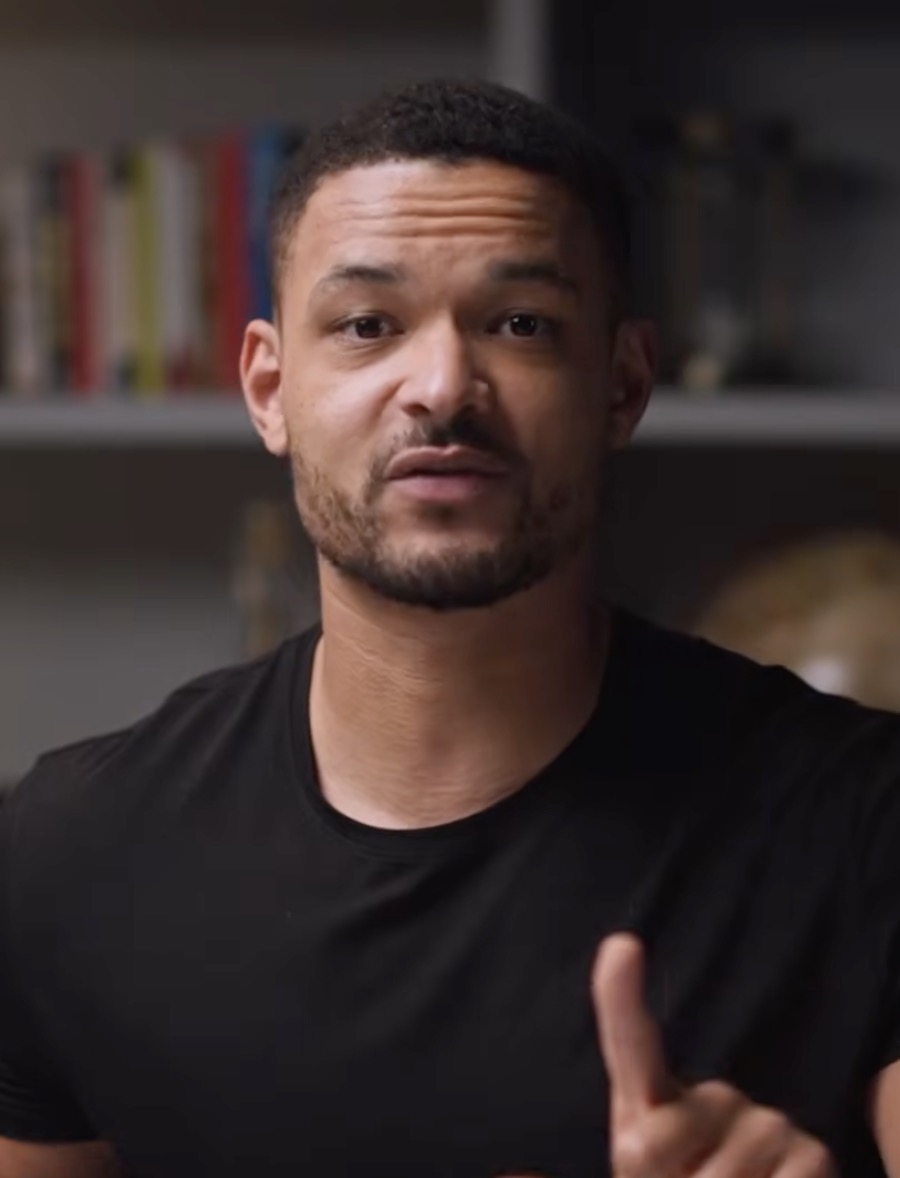
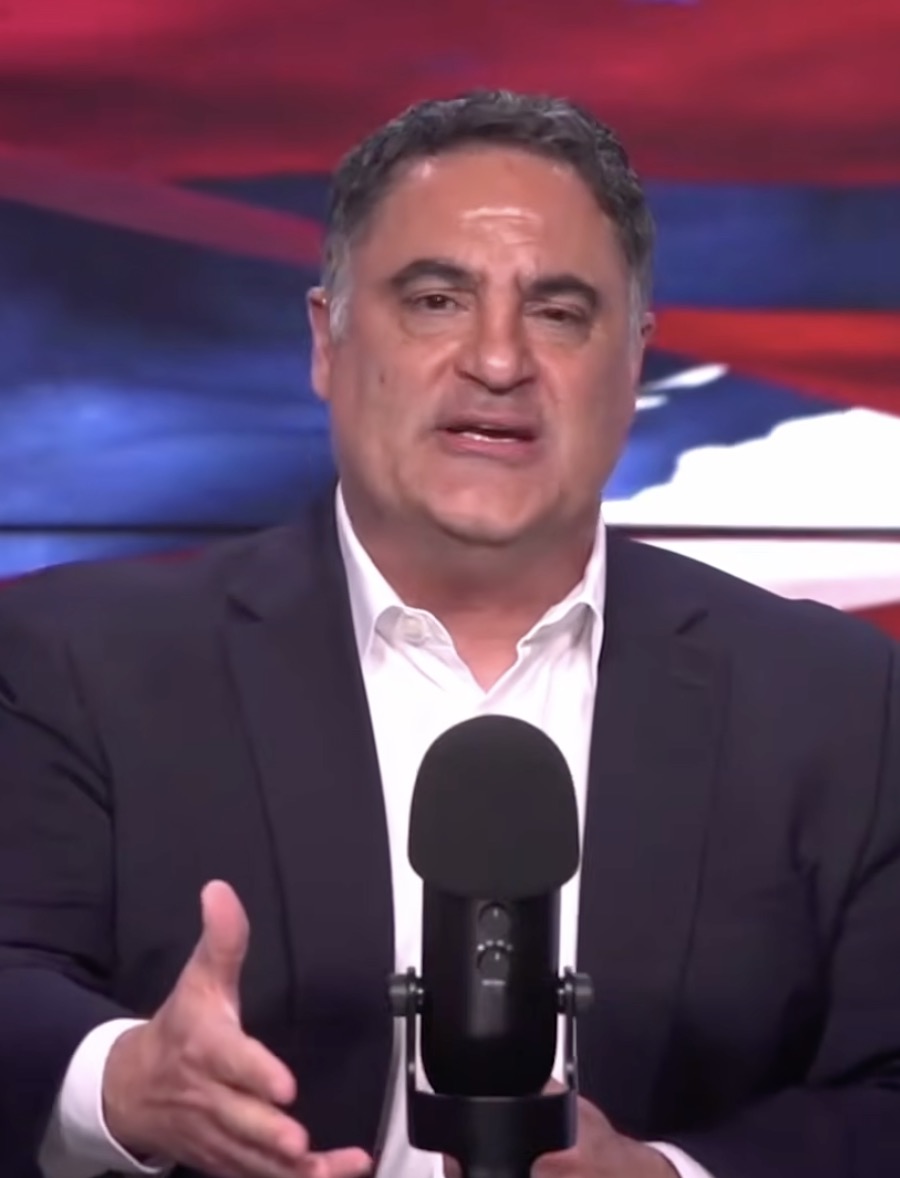
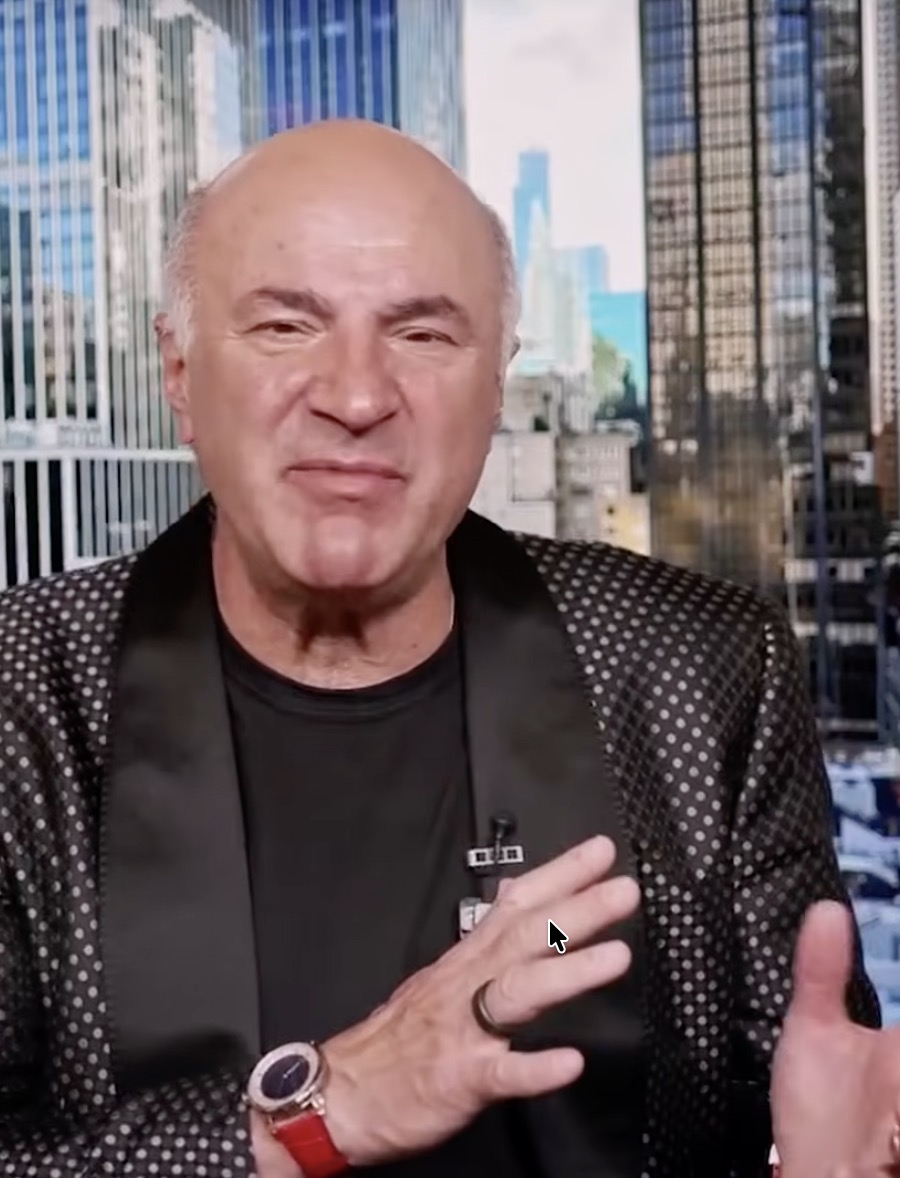
Enter any YouTube video link. Short.now handles the download — no manual file export needed.
The AI finds moments that match TikTok's format: fast-starting, high-energy, self-contained clips under 60 seconds.
Edit captions, adjust clip length, and fine-tune the start/end points for each clip.
Download TikTok-ready MP4 files or connect your TikTok account for direct publishing.
Paste any public YouTube URL — no downloading, no re-uploading, no manual steps.
AI selects and trims clips for TikTok's native format: short, hook-first, high-completion.
Word-by-word animated captions in styles that match TikTok's visual language — big, bold, and readable.
Export clean, watermark-free MP4s ready to upload — or let Short.now post directly to your TikTok account.
No. Just paste the URL into Short.now and we handle it. The video is processed directly from YouTube.
Any length works — but the richest source of clips tends to be 20-minute+ videos. Longer content has more moments to choose from, and the AI selects only the best 30–60 second segments.
Short.now focuses on clip extraction and captions. To add trending audio, export your clip and use TikTok's native editor to add an audio track before publishing — that's where trending sounds live.
TikTok's algorithm evaluates content purely on performance (completion rate, engagement, saves). If your clip holds attention, it will distribute — regardless of where the original was published.
No editor needed. No credit card. Three free videos every month.
Get started free